Check in, do the job, send proof.
Under 60 seconds a job — and the invoice goes out with the evidence already attached. No Sunday night sorting camera rolls, no argument about whether the reserve was done.
14 days free. No card needed. Works offline, syncs when you get signal.
Gate code 4417. Stay off the drainage swale — still soft after Thursday’s rain.
Different sites, same question: can you prove it was done?
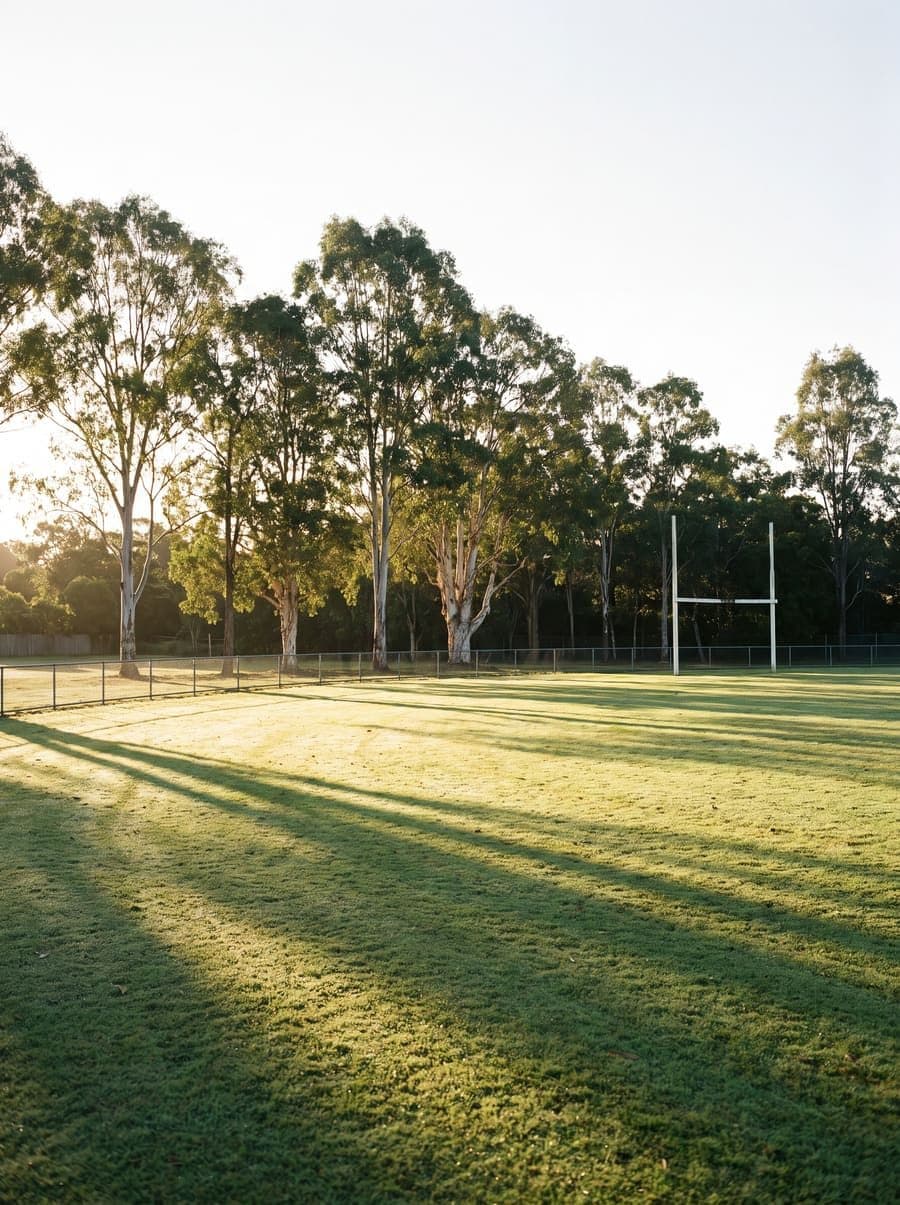
- Check-in confirmed inside the boundary
- Before and after, every visit
- Coverage traced from the machine's own track

- Photos of the edges complaints are made about
- Notes tied to the site, not a text message
- Extra work raised while the crew is still there
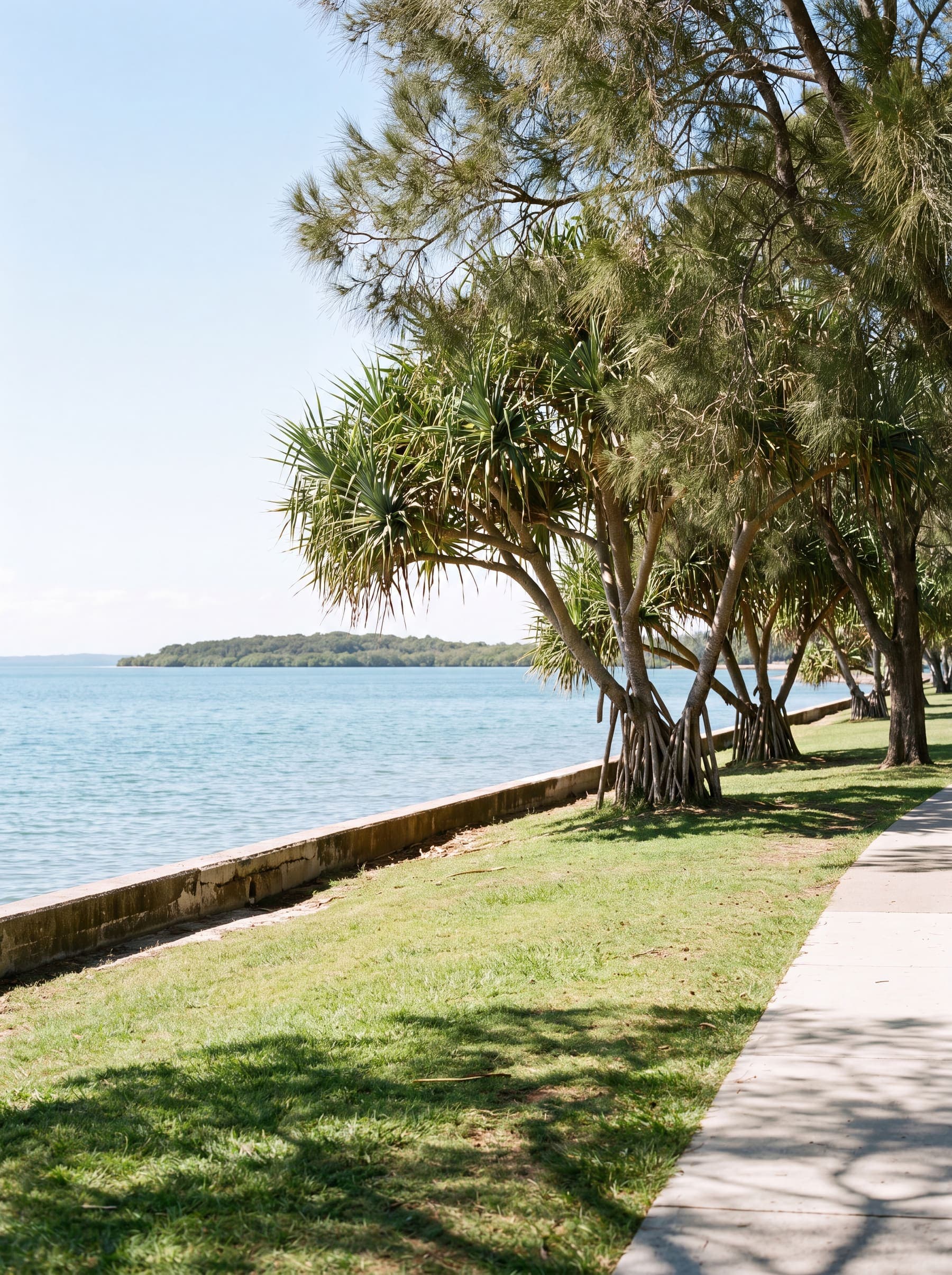
- Ground conditions recorded on the day
- Wet-weather exceptions logged with evidence
- A dated answer when the complaint arrives
Three steps. Under 60 seconds a job.
Check in
Open the job and check in. GPS confirms you’re inside the site geofence, and logs the time, the place and the operator automatically.
Do the job
Take one before photo and one after photo. That’s it — the crew keeps working, no forms, no notes to write up later.
Send proof
Stipa builds the completion report and states its proof of service. Attach it to the invoice, or let it roll into a monthly evidence pack.
A word, not a score out of five.
Every completed job is measured against the requirements your client actually agreed to, and reported as one plain status with the raw measurements beside it. No grade, no composite number, nothing your client needs a key to read.
Every requirement in your client's profile was met. The measurements that prove it are shown alongside — accuracy, distance from the boundary, and the photo count.
The work was recorded and positioned, but something specific was short — a missing after photo, accuracy above the agreed limit. Every unmet requirement is named in full, never summarised into a grade.
No position could be established, so no positional claim is made. Common under heavy canopy or on a device that was offline. It reads as a gap in the record, not a mark against your crew.
Requirements are set per contract or rotation group and versioned, so a record always names the profile it was judged against — and editing a profile never re-scores work that is already done.
Built for how crews actually work.
Works offline
No reception? The job is captured on the device the moment it happens and syncs when signal returns. The recorded time is when you did the work — not when it uploaded.
Inside the geofence
Each site has a boundary. Stipa checks your position against it, so a check-in doesn’t just say “on site” — it proves it, to the metre.
One report out
Everything captured on site compiles into a single verified report — map, photos, times, operator and licence — ready to attach to an invoice or roll into an evidence pack.